

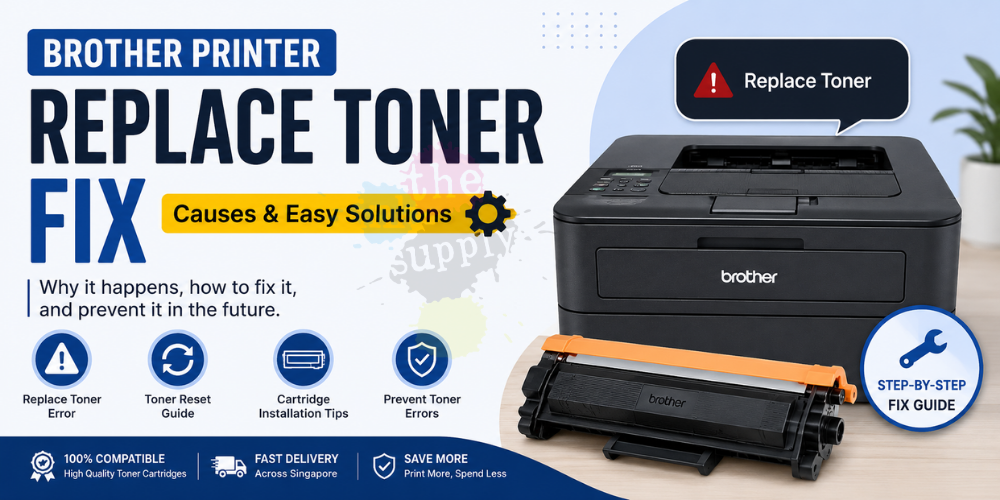
If your Brother printer suddenly displays a “Replace Toner” message even after installing a new toner cartridge, you are not alone. This is one of the most common issues faced by Brother printer users in Singapore.
In many cases, the toner cartridge is still usable, but the printer is unable to detect it properly due to reset issues, chip recognition problems, or incorrect installation.
In this guide, theinksupply.sg explains the common causes and step-by-step solutions to fix the Brother “Replace Toner” error quickly.
Why Does My Brother Printer Say “Replace Toner”?
Brother printers use an internal toner counter system to estimate toner usage. Once the estimated page limit is reached, the printer may display:
- Replace Toner
- Toner Low
- Toner Ended
- Cannot Detect Toner
- No Toner
Sometimes the message appears even when:
- The toner cartridge is brand new
- There is still toner remaining
- A compatible toner cartridge is installed
Common Causes of Brother Replace Toner Error
1. Toner Counter Not Reset
After replacing the toner cartridge, some Brother printers require a manual toner reset before the printer recognizes the new cartridge.
This is extremely common for:
- Brother Industries laser printers
- Compatible toner cartridges
- High-yield toner models
2. Improper Cartridge Installation
If the toner cartridge is not fully secured into the drum unit, the printer may fail to detect it.
Always ensure:
- The toner clicks firmly into place
- Protective orange covers are removed
- Packaging seals are fully pulled out
3. Dirty or Faulty Toner Chip
Many newer Brother toner cartridges contain smart chips for toner recognition.
Dust, poor chip contact, or damaged chips may trigger:
- Replace Toner
- No Toner
- Cannot Detect
Try:
- Removing and reinstalling the cartridge
- Cleaning the chip contact gently with dry tissue
- Restarting the printer
4. Drum Unit Issue
Sometimes the issue is not the toner cartridge itself but the drum unit.
A damaged or worn drum unit may:
- Prevent toner detection
- Cause faded printing
- Trigger cartridge errors
If your printer has high page usage, the drum unit may require replacement.
How to Fix Brother Replace Toner Error
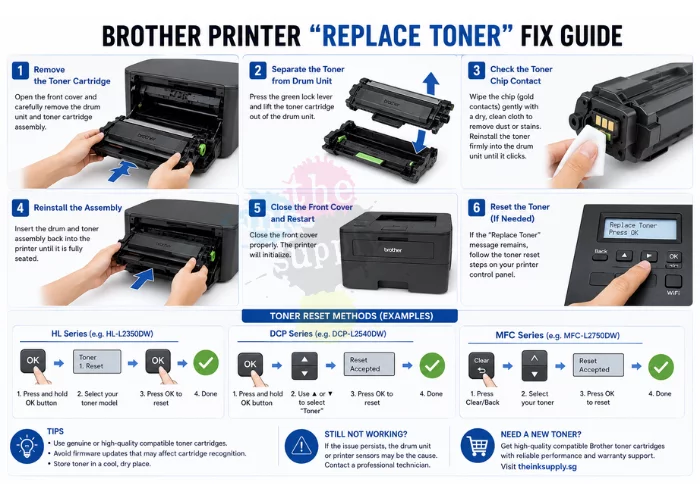
Method 1: Remove and Reinstall the Toner Cartridge
- Open the printer front cover
- Remove the drum and toner assembly
- Separate the toner cartridge from the drum unit
- Reinstall the toner firmly until it clicks
- Insert the assembly back into the printer
- Close the cover and restart the printer
This simple method solves many toner detection issues.
Method 2: Perform Brother Toner Reset
Different Brother printer models use different reset methods, but a common procedure is:
General Brother Toner Reset Steps
- Open the front cover
- Press and hold the OK or Back button
- Select the toner model
- Confirm reset
- Close the cover
Some printers may require:
- Pressing “Clear”
- Pressing “Start”
- Using arrow keys
Refer to your printer model instructions for the exact reset sequence.
Popular Brother Printer Toner Reset Examples
Brother HL Series
Examples:
- HL-L2350DW
- HL-L2375DW
- HL-L2460DW
Typical reset:
- Open front cover
- Hold “OK”
- Reset toner counter
- Confirm
Brother DCP Series
Examples:
- DCP-L2540DW
- DCP-L3551CDW
Typical reset:
- Open front cover
- Hold “OK”
- Select toner color/model
- Press “Up” to reset
Brother MFC Series
Examples:
- MFC-L2750DW
- MFC-L3770CDW
Typical reset:
- Open front cover
- Press “Clear/Back”
- Choose toner
- Reset counter
Why Compatible Brother Toner Cartridges Sometimes Trigger Errors
Compatible toner cartridges are designed to work like original cartridges at a much lower cost. However, certain printer firmware updates may tighten cartridge recognition.
At theinksupply.sg, our compatible Brother toner cartridges are tested for:
- 100% printer compatibility
- Stable chip recognition
- Consistent print quality
- Reliable page yield performance
How to Prevent Brother Toner Detection Problems
Avoid Firmware Updates
Some firmware updates may affect compatible cartridge recognition.
If your printer is working perfectly, avoid unnecessary firmware upgrades.
Use Reliable Compatible Toner Suppliers
Low-quality cartridges may contain:
- Weak chips
- Poor toner powder
- Inaccurate page counters
Choose trusted suppliers with proven compatibility and warranty support.
Store Toner Properly
Keep toner cartridges:
- Away from sunlight
- In cool, dry conditions
- Sealed before use
Improper storage can damage toner components and chips.
Frequently Asked Questions (FAQ)
Can I Continue Printing After “Replace Toner” Appears?
Sometimes yes. Certain Brother printers still allow limited printing after the warning appears.
Why Does My New Toner Still Show Empty?
This is usually caused by:
- Toner counter not reset
- Poor chip contact
- Incorrect cartridge installation
Is Compatible Brother Toner Safe?
Yes. High-quality compatible toner cartridges are safe and widely used by businesses, clinics, schools, and home users.
Does Replace Toner Mean Drum Replacement?
No. Toner cartridge and drum unit are separate components.
The toner contains toner powder while the drum transfers the image onto paper.
Buy Reliable Compatible Brother Toner Cartridges in Singapore
Looking for affordable and reliable Brother toner cartridges in Singapore?
theinksupply.sg supplies a wide range of compatible Brother toner cartridges with:
- High page yield
- Excellent print quality
- Stable chip recognition
- Warranty support
- Fast Singapore delivery
Suitable for:
- Home users
- Offices
- Clinics
- Schools
- Small businesses
Conclusion
The Brother “Replace Toner” message is usually caused by:
- Toner counter issues
- Detection problems
- Improper installation
- Drum unit wear
Fortunately, most cases can be resolved quickly using toner reset procedures or proper cartridge installation.
Using reliable compatible toner cartridges from trusted suppliers can also greatly reduce printer errors while helping you save significantly on printing costs.
Recommended products
-
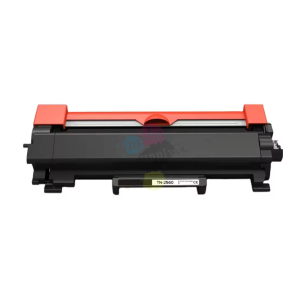
TN269XL TN269 theinksupply Compatible Brother Toner Cartridge
Price range: $36.00 through $145.00 -
TN267 TN263 theinksupply compatible Brother Toner Cartridge
Price range: $34.00 through $125.00 -

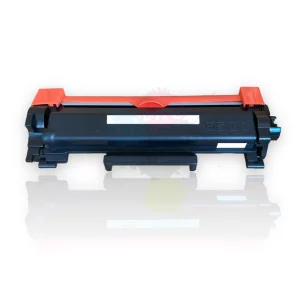
TN2560 TN2560XL Compatible Brother Printer Toner Cartridge
Price range: $45.00 through $60.00 -
theinksupply Compatible Brother TN2480 TN2460 Toner Cartridge
Price range: $32.00 through $45.00 -
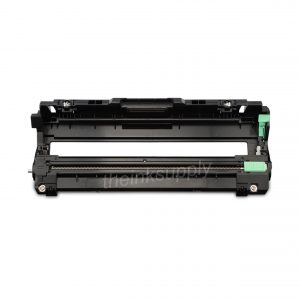
theinksupply Compatible Brother DR-263 Drum Cartridge
Price range: $32.00 through $125.00 -
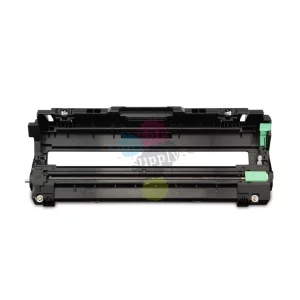
DR269 theinksupply Compatible Brother Drum Cartridge
Price range: $40.00 through $160.00 -
theinksupply Compatible HP Black 150A (W1500A) Toner Cartridge
$40.00 -
theinksupply Compatible Canon 054 054H Toner Cartridge
Price range: $69.00 through $250.00






Recent Comments